

Your visitor says a code.
The gate opens.
AccessPadi replaces the phone calls, the paper book and the argument at the gate. You send your guest a short code. The guard checks it in seconds and knows exactly who they are visiting.
Opens in your browser. Nothing to install, nothing to buy.
How it works
Three steps. That is the whole thing.
If you can send a text message, you can use AccessPadi. Here is everything there is to learn.
- 1
You get a code
Open the app and tap one button. You get a 5 digit number, or the word for today. Nothing to print, nothing to sign.
- 2
You send it to your visitor
Share it on WhatsApp, or just say it over the phone. It is short enough to remember and repeat.
- 3
The gate lets them in
Your visitor says the code at the gate. The guard types it in, sees your name and unit, and opens up. The visit is logged.
The codes
Codes a human can actually remember
No X7K2P9 nonsense. Five digits, or one plain word. Pick whichever suits the visit.
48213
A 5 digit number
For a guest coming once: a friend, a delivery, an electrician. You choose how long it works for, and it stops working after that.
- Easy to say over the phone
- Expires on your schedule
- Shows the gate who is expected
MANGO
A word for the day
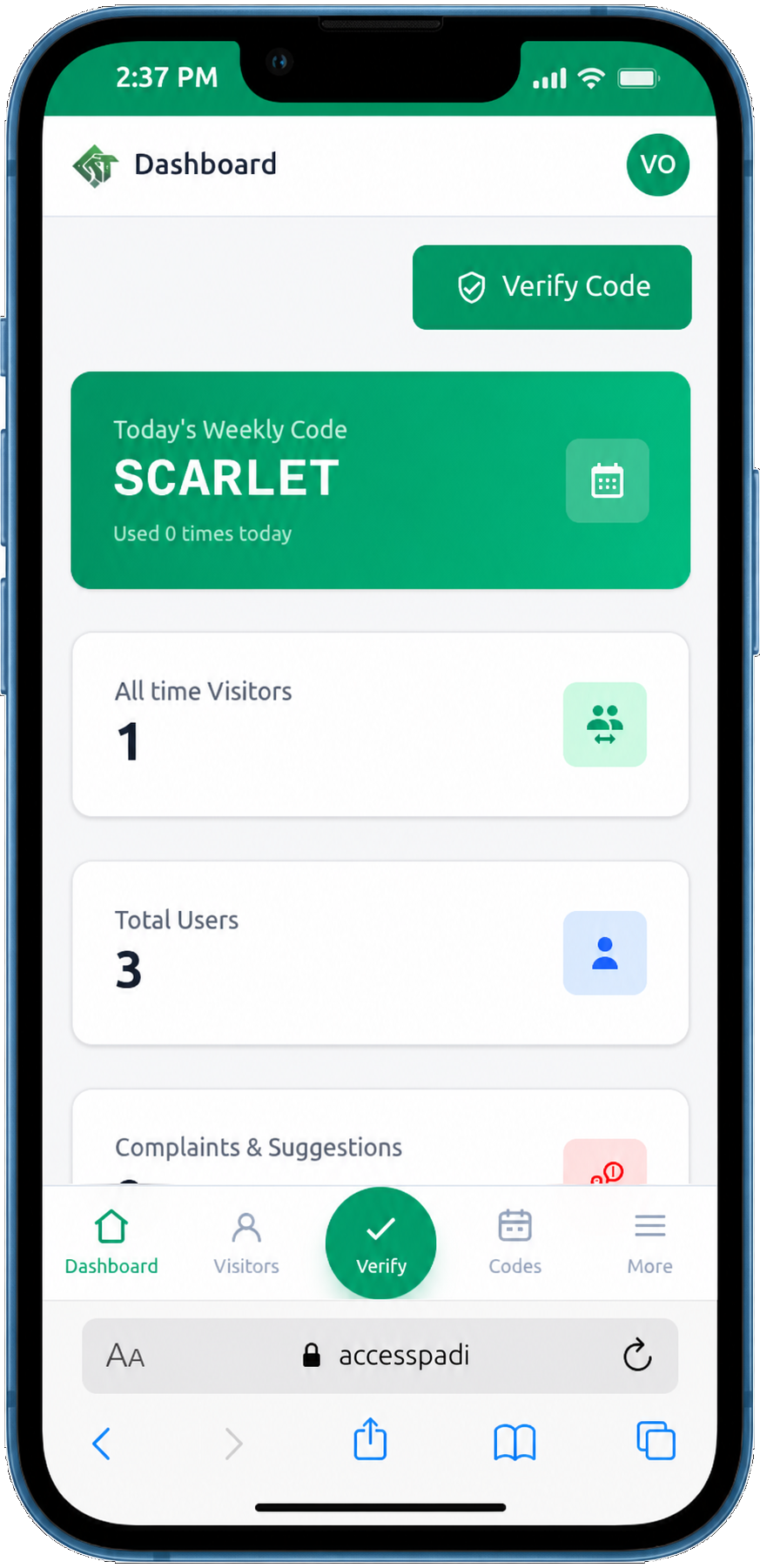
A real word, not a jumble of letters. One for each day of the week, Sunday to Saturday. It works all day and any number of visitors can use it.
- A new word every day
- Anyone you send it to can use it
- Nobody has to request a fresh code
HARBOUR
Your own code, with a limit
Hosting a party or a naming ceremony? Make a code for that day and cap how many guests can come in on it. You see every arrival afterwards.
- Set a guest limit
- Pick the days it works
- Full list of who came, and when
Who it is for
Everybody at the gate, on the same page

Residents
Stop walking to the gate to argue about who is allowed in.
- Send a code in seconds
- See who came and when
- Report an estate issue from the same app

Gate staff
One box. Type the code, see who to expect.
- Works on any phone
- Shows the resident and unit
- Times people in and out

Estate managers
A record of every entry, without a paper book.
- Publish the week of codes
- Manage residents and staff
- Handle complaints and notices
A normal week
The moments this quietly fixes
Nothing dramatic. Just the small daily friction of getting people through your gate.
 Saturday, 4pm
The party you are hosting
Make one code for Saturday, cap it at 40 guests, and read the arrivals list on Sunday morning.
 Every weekday, 7am
The help who comes daily
One set of codes for the week. Nobody calls you at the gate at seven in the morning again.
 Tuesday, 6:40pm
A delivery you forgot about
Five digits, sent on WhatsApp while you are still in traffic. The rider gets in, you see when.
What you get, in plain words
Works on any phone
Install it to your home screen and it opens like a normal app.
No hardware to buy
No cards, no tags, no scanner. Just the phone your guard already has.
Every entry recorded
Who came, for whom, at what time, and who let them in.
Estate notices
Send announcements straight to residents instead of a group chat.
Complaints in one place
Residents report an issue, the office replies, everyone sees the status.
Levies and dues
Set a monthly or yearly levy, and see at a glance who has paid and until when.
Payments that reconcile
Residents pay by card or transfer. Transfers wait for your approval before they count.
Receipts and history
Every payment keeps a receipt, and every resident keeps a record you can both read.
Your estate, separated
Codes, money and records never cross from one estate to another.
What it costs
Every feature is included for every estate. There are no tiers to compare — you simply choose how many resident accounts you need and pay for those each month.
Start free
10 accounts
free for your first 3 months
- Every AccessPadi feature, from day one
- Visitor codes, weekly codes and the gate log
- Levies, payments, receipts and reports
- No card needed to start
Growing past 10?
₦500 per account / month
pay for the accounts you need, month to month
Add accounts whenever you need them and pay only for the days left in the month. Reduce or stop any time — it takes effect at your next payment, and nothing is ever deleted.
See it in the appGate staff and estate admins are free — you are never charged for them. Your data is never deleted and no resident is ever removed, whatever you pay or stop paying.
Questions people ask
Open the app and read it out again. It is still there until it expires, and you can share it again in one tap.
Ready when your gate is
Residents sign in and send their first code in under a minute. Managers publish the week's codes in one tap. Every new estate gets 10 resident accounts free for three months, with every feature included.